Zed: A Minimalist Editor for Focused Coding
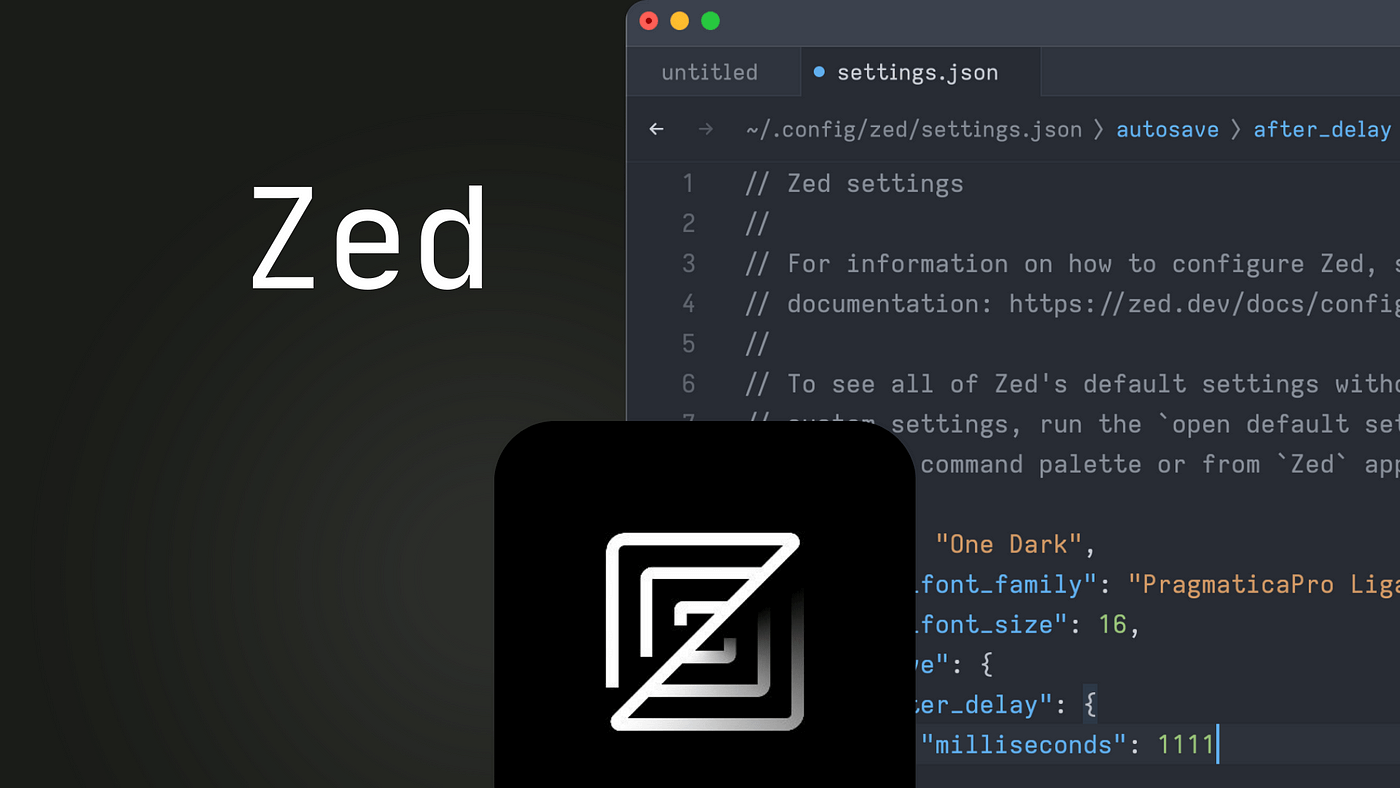
I’ve been getting tired of VS Code because it’s packed with so many features, menus, and options, all of which can be distracting.
Then I tried Zed Editor, and my first impression was its minimal UI and distraction-free interface. It’s perfect for anyone who wants a simple, focused text-editing experience.
For Java development, I’m sticking with IntelliJ because JetBrains is still the GOAT when it comes to Java!
But for everything else, I’m using Zed for Golang, Python, and pretty much everything else I work on.
Zed even has its own AI agents! But since I have access to the Student Developer Pack (thanks, GitHub!), I’ve been using GitHub Copilot with all premium models for free.

While Zed’s AI features aren’t fully polished yet, they’re definitely usable. The overall experience is very smooth, especially if you’re into AI-assisted development.
Zed offers a lot of great features, and I’ve highlighted some of my favorites that really set it apart from other editors. Even if you’re not ready to make the switch, I highly encourage you to give it a try. It’s an awesome editor, and I think you’ll love using it.
Below is my settings.json file configuration:
{
  "inlay_hints": {
    "show_value_hints": true
  },
  "show_completion_documentation": true,
  "inline_code_actions": true,
  "git": {
    "inline_blame": {
      "show_commit_summary": false
    }
  },
  "cursor_shape": "bar",
  "disable_ai": false,
  "buffer_font_family": "JetBrains Mono",
  "terminal": {
    "font_size": 13.0,
    "toolbar": {
      "breadcrumbs": false
    },
    "cursor_shape": "bar",
    "blinking": "on"
  },
  "agent": {
    "play_sound_when_agent_done": false,
    "dock": "right",
    "default_profile": "write",
    "always_allow_tool_actions": true,
    "inline_assistant_model": {
      "provider": "copilot_chat",
      "model": "claude-3.7-sonnet-thought"
    },
    "default_model": {
      "provider": "copilot_chat",
      "model": "claude-sonnet-4.5"
    },
    "model_parameters": []
  },
  "telemetry": {
    "diagnostics": true,
    "metrics": false
  },
  "base_keymap": "VSCode",
  "tab_bar": {
    "show_tab_bar_buttons": false
  },
  "minimap": {
    "show": "auto"
  },
  "autosave": {
    "after_delay": {
      "milliseconds": 1000
    }
  },
  "file_types": {},
  "icon_theme": {
    "mode": "dark",
    "light": "Material Icon Theme",
    "dark": "Material Icon Theme"
  },
  "ui_font_size": 15.0,
  "buffer_font_size": 13.0,
  "ui_font_family":"JetBrains Mono",
  "theme": {
    "mode": "system",
    "light": "macOS Classic Dark",
    "dark": "macOS Classic Dark"
  }
}
I haven’t fully configured everything yet; I’m keeping it simple and minimal for now!